
The new Alliance Whitelist feature allows specific users to “auto join” your alliance without needing approval. Here is how it works.
Overview
Here is an overview of how whitelisting works:
- Research Economy / Alliance Whitelist. Your alliance gets 3 whitelist slots per level of research, with a max of 30 after researching level 10.
- Add friends or named players to the whitelist.
- Those on the whitelist can enter the alliance without approval.
Alliance Research (Tech)
Start by researching Alliance Whitelist tech, under “Economy”
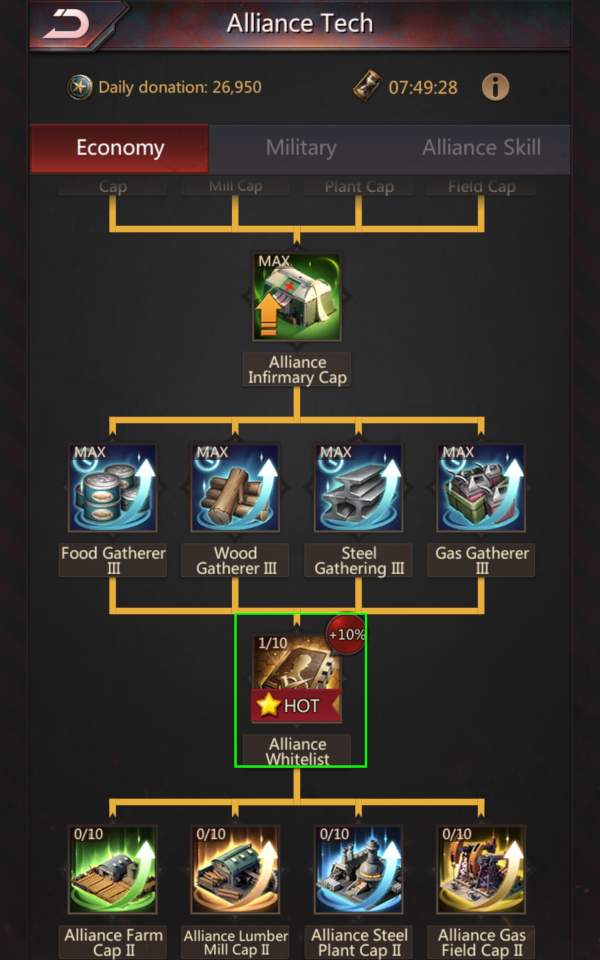
Each level adds 3 slots, where level 0 has 0 slots, and level 10 has 30 slots.

Administering the Whitelist
R5 + Officers appear to be the only ones who can modify the whitelist. (TBD)
Modifying the whitelist is NOT logged.
The whitelist is located underneath “Alliance Requirements”.
- Click “Alliance” then Operations
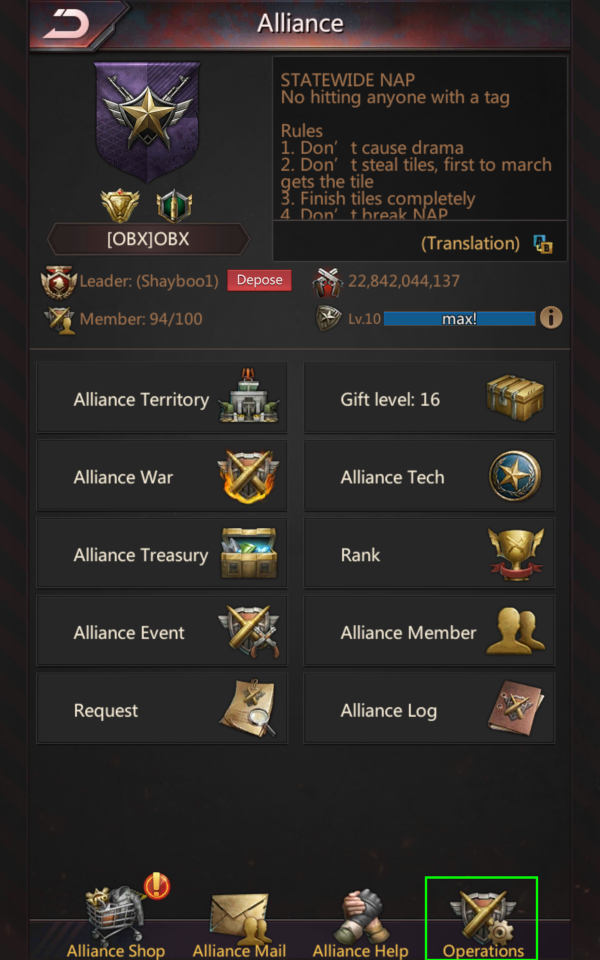
- Under “Operations”, click requirements (may be “Open Recruitment” or “Request Required”).
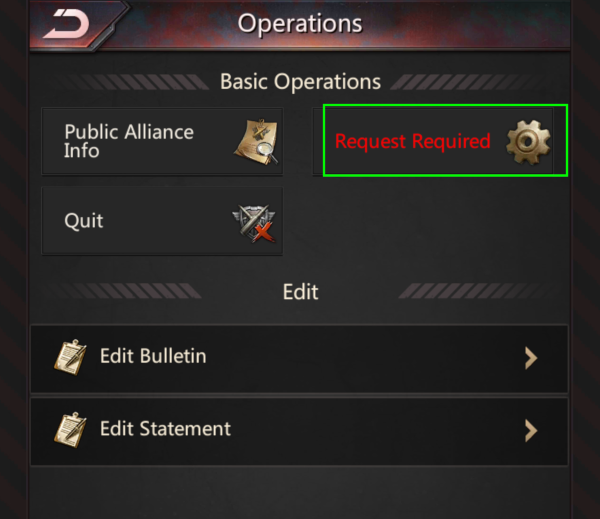
- Click the “Alliance Whitelist” button on the bottom-right.
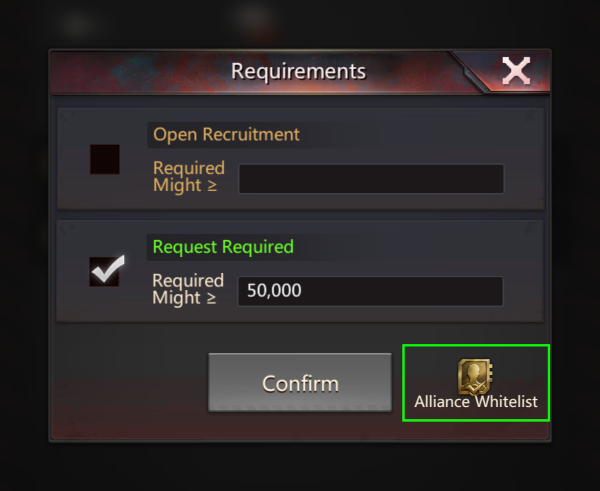
Alliance Whitelist Screen
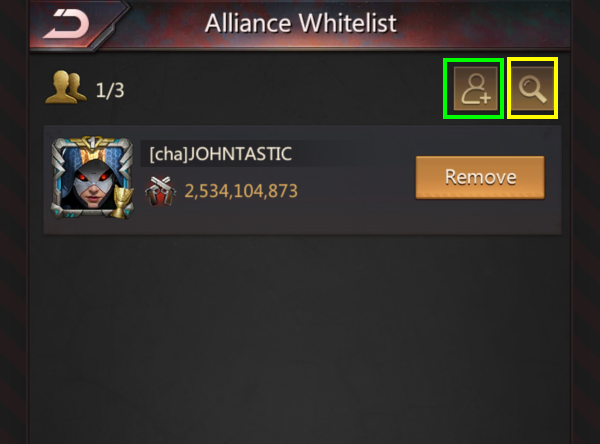
On the “Alliance Whitelist” screen, click the “Add” button (green square) to add anyone on your friend llist.

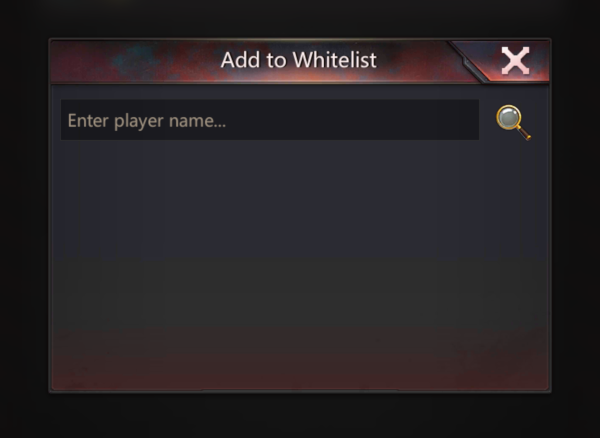
Or, use the “Search” button to name a player and add them. Note that the search feature requires the EXACT spelling, punctuation, and capitalization of the player.
To remove a player from the whitelist, on the “Alliance Whitelist” screen, click the “Remove” button next to their name.
Although you can SEARCH for players from another state, trying to add them results in “Bad character” (I’m not sure what the game is trying to say about my character). This is a missed opportunity in my opinion, because it would be nice to temporarily whitelist people who are flying in from another state without having to have a R4/Officer watch the door.
Effect of Alliance Whitelist
If your alliance is set to “Request Required”, a player on the whitelist can join the alliance without approval from R5 / Officer / R4.
The whitelist also appears to bypass might requirements. (TBD)
When a whitelisted player applies, they will join automatically, as if the alliance was set to “Open Recruitment” with no requirements.
Practical Uses
- During Wasteland King event, participating players typically leave their main alliance and rejoin their home alliance after the event. Whitelisting is a quick and easy way to facilitate this process.
- If you are expecting a guest from the same state, you can whitelist them ahead of time rather than “wait by the door” for them to apply.
- Any regular visitor to the alliance can be whitelisted for convenience.
It would be nice if you could whitelist players who are planning to fly in, but alas, this was not considered during the design phase.
Conclusion
I hope you found this helpful, and thank you for reading!
If you have any constructive feedback or updates, please submit a comment.